



Looking to change the battery in your GMC key fob? Wondering if that’s the reason your remote won’t work? We’re here to help. A dead battery is the most common reason for your key fob not working. While your GMC key fob’s battery should last up to four years, it will inevitably need to be replaced eventually. The good news is that it’s free and easy to do yourself.
In this article by our team at Meadowland GMC, we walk you through the steps of changing the battery in your GMC key fob. We also share a few other things to check if it turns out that the battery isn’t the problem. It might be faulty if your battery still isn’t working after these steps. Contact our team at GMC Meadowland, and we can arrange a replacement.
How To Change the Battery in a GMC Key Fob
Replacing the battery in your GMC key fob should take less than five minutes. It’s simple enough to remove the cover, replace the battery, and put it back together. If the key fob doesn’t work after replacing the battery, another issue may be with your vehicle or fob. Bring your new or used vehicle to Meadowland GMC, and our expert technicians can fix it for you and get your GMC key fob working again.
Step-By-Step Guide
Follow the steps in this article to replace your battery. The specific process may vary slightly depending on your GMC key fob’s model and year. It’s always a good idea to consult your vehicle’s owner’s manual or contact your local GMC dealership for a step-by-step guide tailored to your key fob model.
Buy a New Battery
First, you’ll need to determine what battery your GMC key fob uses. You can usually find these details in your vehicle’s owner’s manual. Most batteries for GMC key fobs run on three-volt CR2032 batteries. Luckily, they’re pretty easy to find. You can usually buy them at your nearest hardware or department store. They also come in packs, so you can stock up in case your battery dies again.
Gather Tools
Replacing your battery is fairly easy, and you don’t need anything too complicated. All you need is a small flathead screwdriver. If you don’t have one, you can use a coin to open the key fob.
Remove the Back Cover
Carefully pry open the back cover of your key fob using a flathead screwdriver. There should be a small slot on the side of the fob where you can insert the screwdriver and twist it to separate the fob into two halves. Be careful not to force the panel, as this could cause it to break. It should pop apart easily.
Remove and Replace the Old Battery
Once you’ve taken off the back cover, take a look at whether the positive side of the battery is facing up or down before you remove it. This will tell you how to replace it. Once you’ve taken note, you can remove the dead battery from its housing and replace it with a new battery. Make sure that the positive side is facing you or is toward the back panel of the fob.
Replace the Cover
Once you’ve settled the new battery in its correct position, you can line up the two halves of the key fob and push them back together. You should hear a soft click when it’s locked correctly.
Test the Fob
After following the steps above to replace your battery, your key fob should work. If it doesn’t, try each step again and make sure that you’ve positioned the battery’s polarity correctly. If you’ve repeated the process and it still won’t work, it’s likely not a battery issue.
Other Things To Check if the Problem Isn’t the Battery
If replacing your battery using the steps above doesn’t fix the issue, another problem may be affecting your GMC key fob. Usually, this means there’s an issue with the fob itself or your vehicle’s electronics. Here are some things to try:
- Reassemble the key fob: Make sure that you’ve properly reassembled the key fob after replacing the battery. Check that you’ve aligned the two halves correctly and that they’re snapped securely into place.
- Check for damage: Examine your key fob for any physical damage. You may need to replace it if it’s cracked, it’s water-damaged, or it has a broken button.
- Check the buttons: Sometimes, the button contacts within the key fob can wear out. If you’re handy with electronics, you can try carefully cleaning or resoldering the contacts.
- Resync the key fob: If you’ve replaced the battery, your key fob may need to be resynchronized with your vehicle. Check your owners manual for instructions on how to do this for your specific GMC model.
- Check for interference: Interference from another device or an electrical source can interrupt the key fob’s signal. Try using the key fob in different locations to rule out any interference issues.
If you’ve ruled out all other possibilities and your key fob still doesn’t work, it might be faulty, and you may need to replace it with a new one. Battery replacement is one of the many services we offer at Meadowland GMC. We’ll inspect the fob and your vehicle and either fix or replace it for you in no time.
Visit Meadowland GMC
Changing the battery in your GMC key fob is simple. For a weak or dead battery, you don’t need any expertise to solve the problem. All you need is a new battery and a flathead screwdriver. If you’ve replaced the battery and your key fob still doesn’t work, bring it to our Meadowland GMC service center for our technicians to take a look. We’ll inspect your fob for damage, interference, or faults. We’ll then fix the issue or provide you with a new fob if necessary. Either way, we’ll get your GMC key working again.
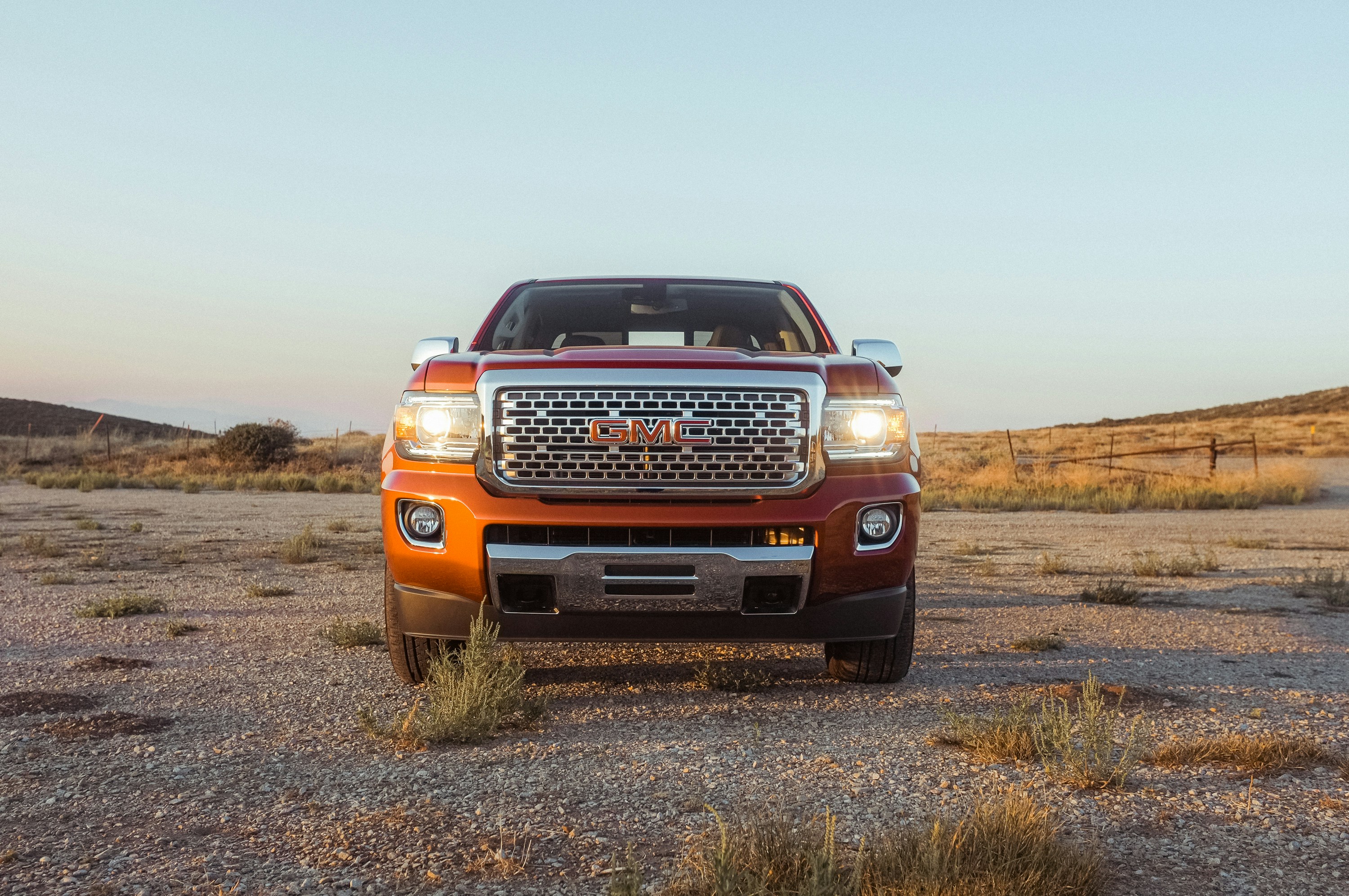
Photo Credit: red Isuzu pickup truck under a calm blue sky by Steady Hand Co. is licensed with Unsplash License
Connect with us

- July 2026
- June 2026
- May 2026
- April 2026
- March 2026
- February 2026
- January 2026
- December 2025
- November 2025
- October 2025
- September 2025
- August 2025
- July 2025
- June 2025
- May 2025
- April 2025
- March 2025
- February 2025
- January 2025
- December 2024
- November 2024
- October 2024
- September 2024
- August 2024
- July 2024
- June 2024
- May 2024
- April 2024
- March 2024
- February 2024
- January 2024
- December 2023
- November 2023
- October 2023
- September 2023
- August 2023
- July 2023
- June 2023
- May 2023
- April 2023
- March 2023
- February 2023
- January 2023
- December 2022
- November 2022
- October 2022
- September 2022
- August 2022
- July 2022
- June 2022
- May 2022
- April 2022
- March 2022
- February 2022